


TSA PreCheck® – Faster Security Screening in the USA
Travelling with LOT from the United States and enrolled in TSA PreCheck®? Add your Known Traveler Number (KTN) during online check-in or at the airport and enjoy a smoother security screening experience at airports in the USA.
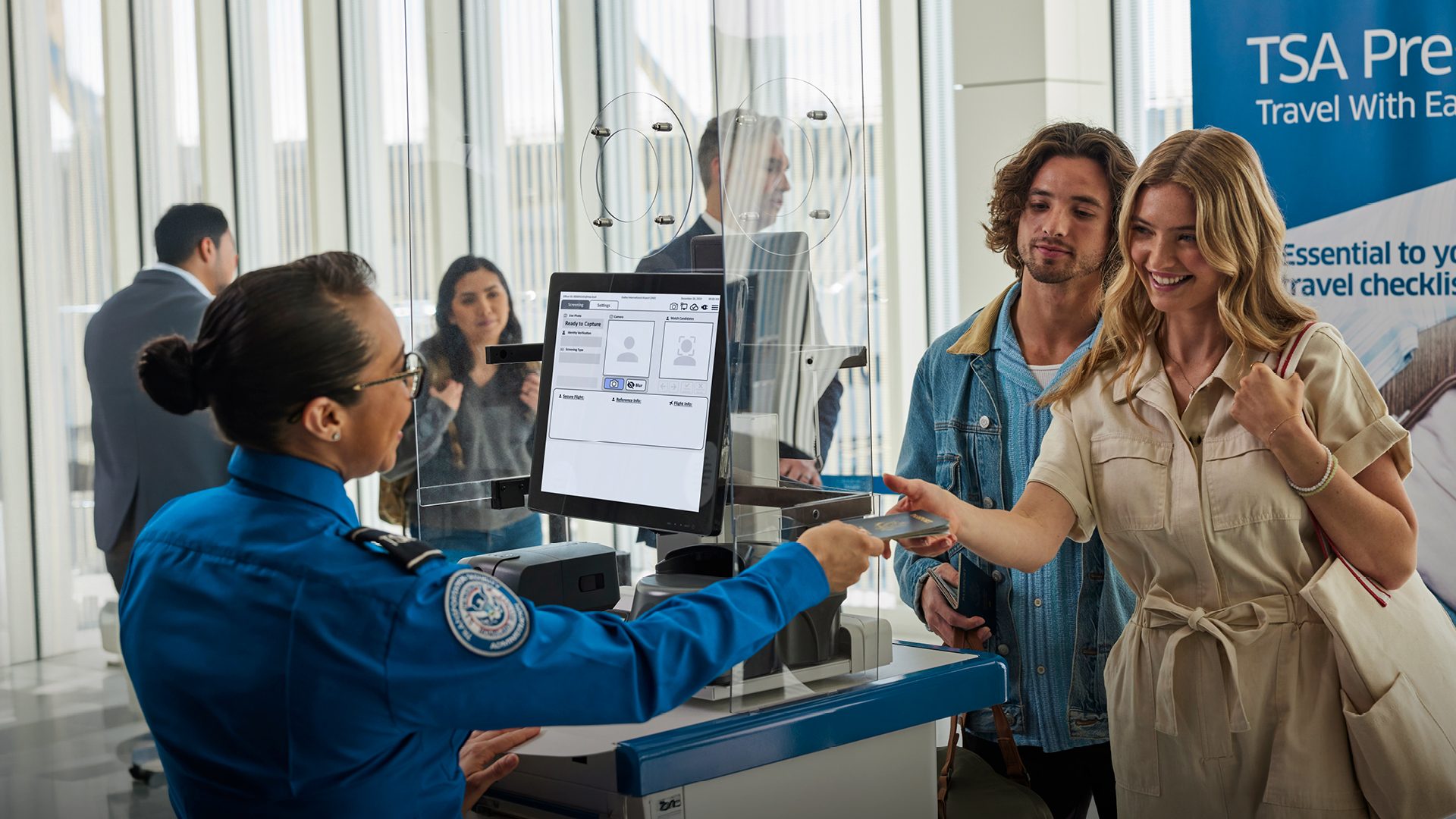
What is TSA PreCheck®?
TSA PreCheck® is a faster security screening program for verified travelers departing from airports in the United States, allowing eligible passengers to use dedicated security screening lanes at more than 200 US locations.
New in LOT online check-in!
If you are a TSA PreCheck® member, simply add your Known Traveler Number (KTN) during online check-in so your TSA PreCheck® indicator can be reflected on your boarding pass.
What are the benefits of TSA PreCheck®?
If your boarding pass displays the TSA PreCheck® indicator, you may use a simplified security screening process through dedicated TSA PreCheck® lanes.
During TSA PreCheck® screening, you usually do not need to:
remove your shoes,
remove your belt,
remove a light jacket,
take electronics out of your carry-on baggage,
remove liquids that comply with the 3-1-1 rule from your carry-on baggage.
Did you know? According to official statistics, 99% of passengers using TSA PreCheck® lanes wait less than 10 minutes.
How do I add my KTN during LOT online check-in?
Already have a Known Traveler Number (KTN)? Adding it during online check-in only takes a moment.
Start check-in – Go to LOT online check-in or open the LOT mobile app.
Go to passenger details – Review your details and locate the field to enter your Known Traveler Number.
Enter your KTN – Type the number exactly as assigned to your TSA PreCheck® membership.
Complete check-in – Proceed through the remaining check-in steps and download your boarding pass.
Check your boarding pass – If TSA confirms your eligibility for the flight, the TSA PreCheck® indicator will appear on your boarding pass. Make sure the indicator is present before heading to the dedicated lane.
Important: Access to TSA PreCheck® is not guaranteed for every flight. TSA retains the final decision on passenger eligibility for expedited screening on a flight-by-flight basis.
How do I use TSA PreCheck® at the airport?
If your boarding pass displays the TSA PreCheck® indicator, once you arrive at the airport:
Go to the security checkpoint.
Locate the designated TSA PreCheck® lane.
Have your ID and boarding pass ready.
Proceed through security following the instructions provided by TSA officers.